

Seedance 2.0
Multimodal AI video model for controllable cinematic creation
Seedance 2.0 is a multimodal AI video model that supports text, image, audio, and video inputs for more controllable video creation. It is useful for creators and advanced users who want stronger reference-based AI video workflows.
Overview
Seedance 2.0 is a multimodal AI video generation model designed to help creators and technical users build more controllable, cinematic, and reference-driven video outputs.
What it can do:
- Generate videos from text prompts
- Use images, audio, and video as references
- Support more advanced multimodal editing and scene control
- Improve motion stability and realism in complex scenes
- Help users create more production-oriented AI video outputs
Who should use it:
Advanced creators, technical users, studios, and teams who want stronger control over reference-based AI video generation.
Things to note:
Seedance 2.0 is positioned more like a serious model and platform capability than a casual beginner chatbot. Depending on where you access it, setup and pricing can feel more product-driven or platform-driven than simple consumer tools.
Final quick verdict:
Seedance 2.0 is a strong AI video option for users who want more reference control, multimodal input, and a workflow closer to serious creative production.
How to Use
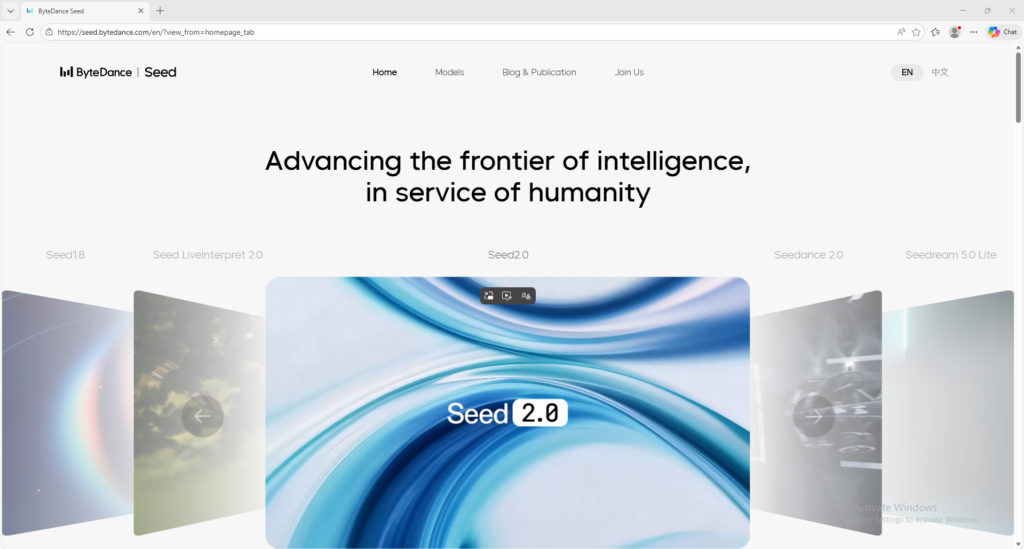
1. Visit the official Seedance 2.0 page and review what types of inputs the model supports.
2. Decide whether your task is best handled with text only or with references such as images, audio, or video.
3. If the platform offers a Try Now or product entry point, open that interface first so you can work in the actual generation environment.
4. Start with a simple generation request before attempting a complex multi-reference workflow.
5. For text-only use, write a prompt that clearly explains the subject, movement, setting, mood, and camera behavior.
6. For multimodal use, upload or prepare your reference assets first, then describe how Seedance should follow or transform those references.
7. Keep the first test short and focused so you can evaluate whether the model follows your instructions accurately.
8. Review the output for motion stability, reference consistency, realism, and instruction-following.
9. Adjust only one major variable at a time, such as the prompt, the reference asset, or the scene description, so you can understand what improved the output.
10. Once the workflow is stable, expand into more advanced creative tasks and keep a record of the prompt and reference setup that produced the best results.
Screenshots