
Veo 3.1
Google AI video model for high-quality clips with sound
Veo 3.1 is Google’s AI video generation model for creating short videos with sound from text and image prompts. It is useful for creators and professionals who want high-quality AI video generation inside Gemini or Flow.
Overview
Veo 3.1 is Google’s advanced AI video generation model designed to create short high-quality videos with sound from text and image prompts.
What it can do:
- Generate short videos with sound
- Turn text or image ideas into cinematic clips
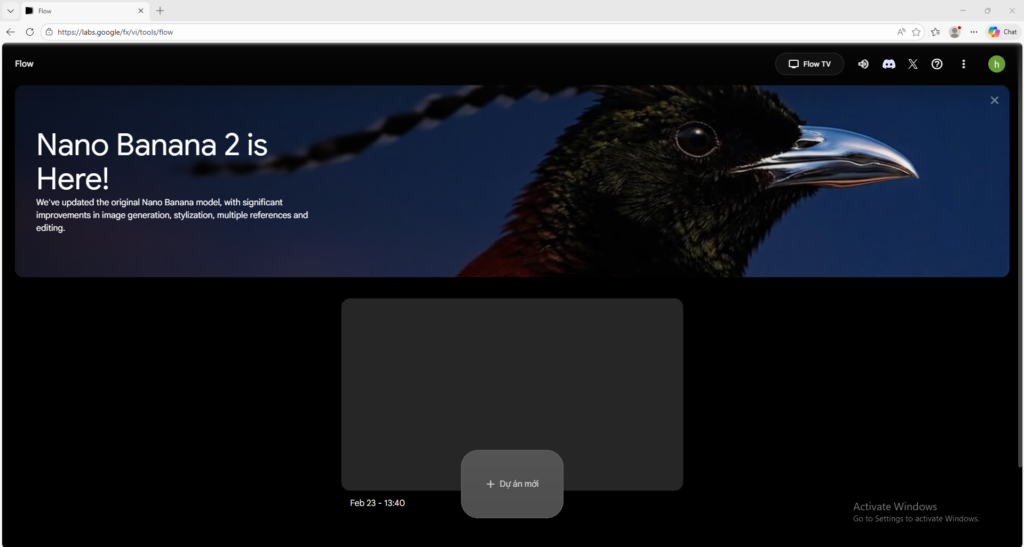
- Work through Gemini and Flow workflows
- Support creative storytelling and concept visualization
- Help creators prototype visual ideas quickly
Who should use it:
Creators, marketers, storytellers, and advanced AI users who want high-quality short video generation inside Google’s AI ecosystem.
Things to note:
Access depends on Google’s paid AI plans and the product surface you use, such as Gemini or Flow. Different plan levels may expose Veo 3.1 Fast or the higher-tier Veo 3.1 experience.
Final quick verdict:
Veo 3.1 is one of the strongest official AI video options for users who want short, high-quality videos with sound inside a polished Google workflow.
How to Use
1. Visit the official Google video generation page or open Gemini or Flow where Veo 3.1 is available.
2. Make sure your Google account has the required plan level for the Veo experience you want to use.
3. Start with a simple text prompt or image prompt describing the scene you want to generate.
4. Keep your first prompt focused on one clear subject, one main action, and one visual style so the result is easier to evaluate.
5. If your workflow supports image prompting, upload a reference image and explain the motion, tone, or camera feel you want the model to create.
6. Generate the first draft and review the result for subject accuracy, movement, sound, and overall visual quality.
7. If the clip is not close enough, refine your prompt by improving the action, mood, timing, or camera direction rather than making the prompt vague and longer.
8. Use Flow if you want a filmmaking-style workflow and scene-building experience instead of only basic generation.
9. Keep track of which prompts produce the strongest outputs so you can reuse the structure for future projects.
10. Once you understand the basics, use Veo 3.1 for concept videos, creative storytelling, marketing experiments, or visual prototypes.
Screenshots