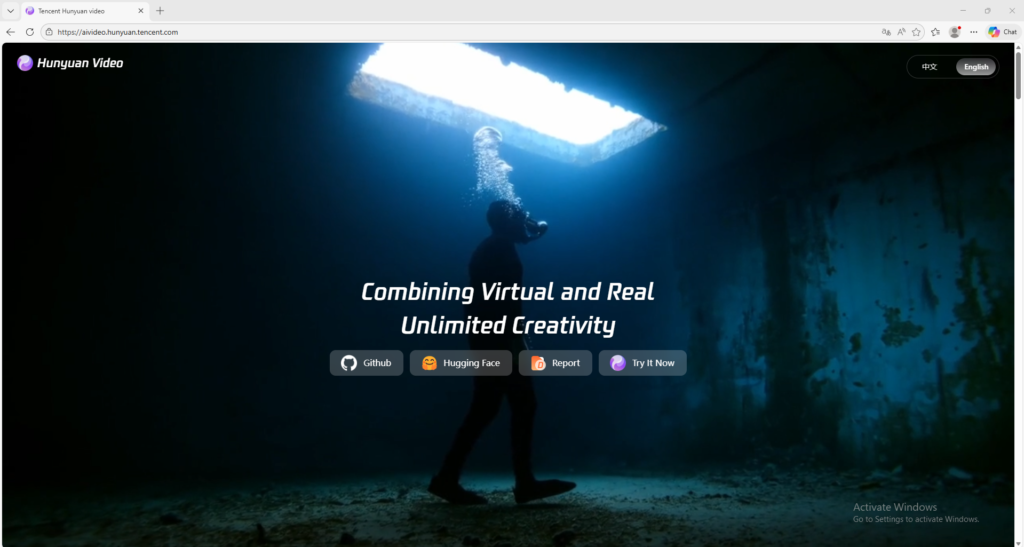


Hunyuan Video
Tencent AI video generator for cinematic prompt-based creation
Hunyuan Video is Tencent’s AI video generator for creating cinematic short videos from prompts. It is useful for creators and marketers who want a fast way to test visual ideas and generate AI video scenes.
Overview
Hunyuan Video is Tencent’s AI video generation tool designed to help users create cinematic short videos from prompts with flexible visual styles.
What it can do:
- Generate videos from text prompts
- Produce cinematic-looking short clips
- Switch between more realistic and more stylized visual directions
- Help creators quickly prototype scenes, ad ideas, and visual concepts
- Support fast experimentation for creative video generation
Who should use it:
Creators, marketers, designers, and AI video users who want a Tencent-based video generator for fast concept creation and visual storytelling.
Things to note:
Hunyuan Video is best used with clear prompts and controlled scene descriptions. When prompts become too crowded or too vague, output consistency can drop. It is better to begin with simple scenes before moving into more complex cinematic ideas.
Final quick verdict:
Hunyuan Video is a practical AI video option for users who want cinematic prompt-based video creation with a simple public-facing generation workflow.
How to Use
1. Visit the official Hunyuan Video website and sign in if the platform asks you to log in before creating.
2. Start with a simple video idea first instead of a very complicated scene, because clearer prompts usually produce more stable output.
3. Write a prompt that explains the main subject, the action, the setting, the mood, and the visual style you want. For example, describe who or what appears in the scene, what they are doing, where the scene happens, and whether the result should feel realistic or more stylized.
4. If the interface gives you style options, choose the visual direction that best matches your goal, such as a more realistic cinematic look or a more stylized virtual look.
5. If there are generation settings such as aspect ratio, quality, or duration, select the option that best fits your target platform. Use a simple default setting for your first test if you are not sure.
6. Submit the prompt and wait for the first draft to finish generating.
7. Watch the full output carefully and check three things: whether the main subject looks correct, whether the motion feels natural, and whether the overall scene matches your written prompt.
8. If the result is not good enough, do not rewrite everything at once. First improve only one part of the prompt, such as the subject description, the action, or the mood, so you can understand what changed the output.
9. When you get a better result, save the successful prompt structure so you can reuse it later for similar scenes.
10. After you understand the basic workflow, you can use Hunyuan Video for concept clips, ad ideas, visual storytelling tests, and short-form creative content.
Screenshots